

2·
6 hours agoI’ve only seen it in a you’re selling yourself short fashion.
Yeah, that’s usually how I see it, or maybe just how I’ve always interpreted it.

I’m beautiful and tough like a diamond…or beef jerky in a ball gown.
I’ve only seen it in a you’re selling yourself short fashion.
Yeah, that’s usually how I see it, or maybe just how I’ve always interpreted it.

A question can be a shower thought, especially if it’s a rhetorical question.
Not to mention, the Philosophical Raptor meme format is pretty much just interrogative shower thoughts

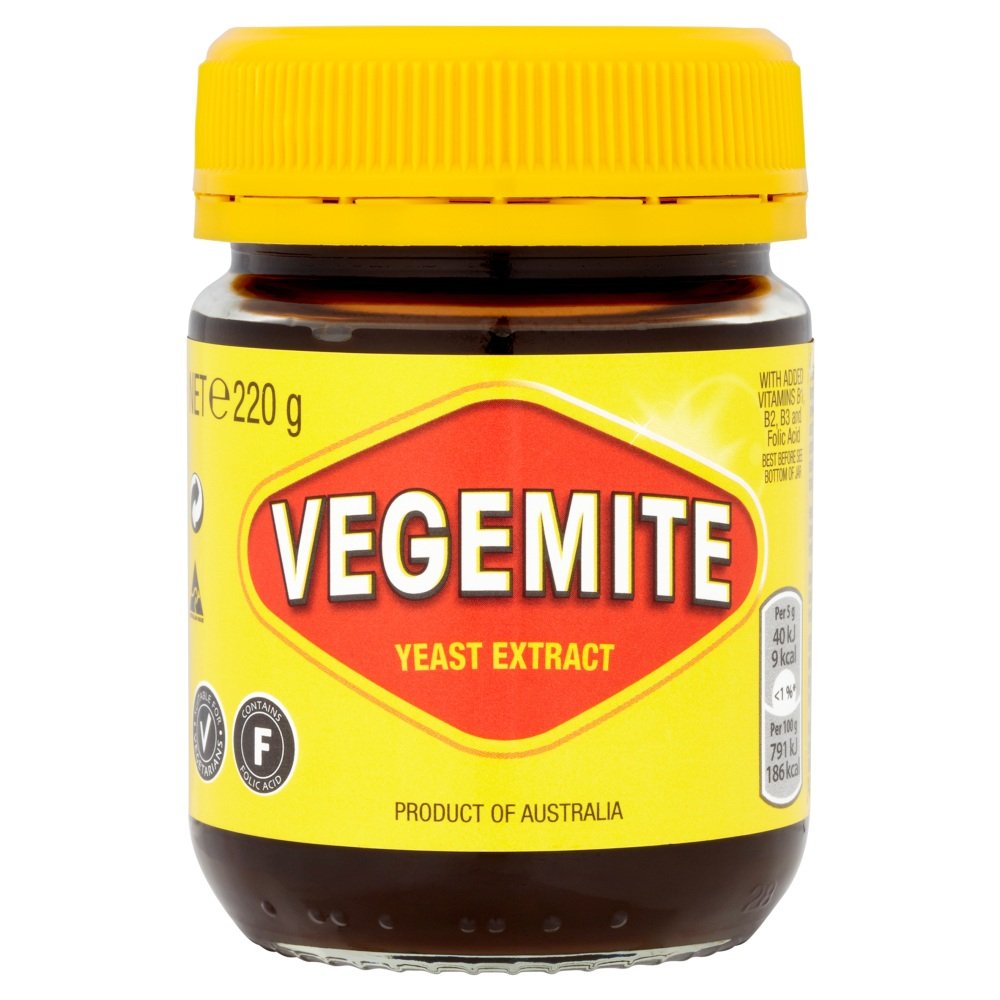
I also keep my grounds in a Mason jar.
Usually I go for ease of ingesting caffeine as quickly as possible and use a generic single-cup coffee maker.
Obviously, I’m not fancy about it at all. When I do get fancy, I’ll use the French press. Sometimes I’ll cold brew in the French press overnight but I always forget so that’s a rare treat when I do remember.

They have a lot of DRM-free options and let you download a clean epub, but like with other stores, it’s up to the publishers whether (and/or when) they can sell them without DRM BS.
I like being able to download the epubs directly so I can put them on my Calibre-web instance and pull them to my Kobo or my phone or whatever I want to read on.
74 inches it seems (just tested haha)

There is no local or even regional mesh group. I see a lot of nodes when I’m out and about but there’s nothing coordinated. I’ve thought about starting one but don’t have time time to invest right now. From my house, I see the occasional node but none that are always visible.
But yeah, I’d like to get a local mesh group going and publish channel configs for different things, emergency alerts being one they can “subscribe” to or not.

Lol, it really is. It’s how we got the terms “Debbie Downer” and “you’re bumming everyone out”.
What are you honestly tired of people bitching about by this point?
Literally everything.
Half the posts I scroll past are just someone bitching about something. Few people posting about cool stuff, most people posting about rage this or rage that. Or if there is a post about something good, there’s people bitching in the comments how it’s not good enough.
Ugh. It’s like this place wants to be miserable and doesn’t know any other way to exist.
Hopefully a single instance doesn’t drop a massive logo or flag that fills 2/3 of the canvas 30 seconds after the event starts…again.

She just couldn’t cel-see-us together.

I feel like my experience here is very different from most people’s. I’m certainly not saying they’re incorrect about what kind of interactions they have that are so off-putting, but I also block anyone and anything that takes away what little joy I can derive from this place.
I’m not here to debate politics or see what I should be mad about, or for people to tell me how to feel about X, Y, or Z. I’ve got plenty of that in the real world. I come here to escape from that with memes, jokes, and interesting shares. I get my news and current events, in moderation/healthy doses, from actual news sites (and block them here), and I stay plenty informed without a peanut gallery of people banned from Reddit telling me how to feel or knee-jerking to this or that (usually some form of violence).
My advice: If your encounters here are overwhelmingly from people constantly putting up false barriers (which is a charitable way to put it, I might add, and I may steal that aphorism), then I cannot recommend the “Block” button enough. Works for people, communities, and whole instances.
If that’s not enough, maybe switch instances to one that’s better modded from the top or provides a specific vibe. startrek.website is great for that if you’re a Trekkie. Beehaw is, last I heard, also pretty chill and well modded though it’s still less federated for reasons I don’t even know still apply.

Ugh, yeah. My “temporary” spinners that were an emergency upgrade became permanent when I went to buy the new ones and prices had skyrocketed. I’ve got one cold spare left, so hopefully there’s a price break in the near-ish future
I feel that.
Before I downsized, I was running 3x HP DL360 G6’s with dual Xenons and 96 GB RAM each. Way overkill for my needs but I got them cheap. Unfortunately, they and my air conditioner competed to see who could use the most electricity each month. 😆
The only thing I really lost in the scale down was the ability to spin up dev/test VMs for every little purpose. I’ve mostly just started using Docker containers for things like build environments.
Their Intel graphics work great for transcoding, but yeah, not much else. I’ve got Emby one one of them, and the QuickSync hardware acceleration works well even with multiple simultaneous streams.
Works pretty great as long as you keep your expectations realistic. Easy to upgrade and pretty reliable. Only annoying thing with any of those micro PCs is the cable management is a pain because of the power bricks. I got some USB-C PD adapters and Dell-style cables and that’s made a huge improvement.
About 220W on average with peaks around 280W. I’ve got 8 Optiplex micro PCs, 5 upcycled thin clients running smaller services, fiber ONT, another micro Optiplex as a router, a storage server, main switch, and a 5 port PoE switch for my 4 access points around the house.
Before I downsized everything to the USFF PCs, I was running 3 old enterprise rack servers that were about 220W each.
It’s currently running from solar from about 7am to 4pm with my small solar setup, but I’m in the process of installing a whole house PV system so hopefully will be 24/7 solar powered soon-ish.

makes sense they’d update it right after I got mine
That’s how my life works too haha.
And also why I’m so hesitant to settle for a body style I dislike (seriously, crossovers: be a sedan, be an SUV, or be a station wagon; trying to be all 3 is just failing at everything…but I digress lol). As soon as I settle and buy one, I just know they’ll bring back sedans.
Kobalt pretty much mainly has blue livery here, too. I thought it was a Stanley when I first spotted it, so I guess they’re diversifying.








Yeah, that was new to me when I read the Wikipedia page. I only knew her as a character actress from guest appearances on so many shows from the 90s and 2000s.