Serval
I’m a human I think, but I like eating tesseracts
- 9 Posts
- 19 Comments
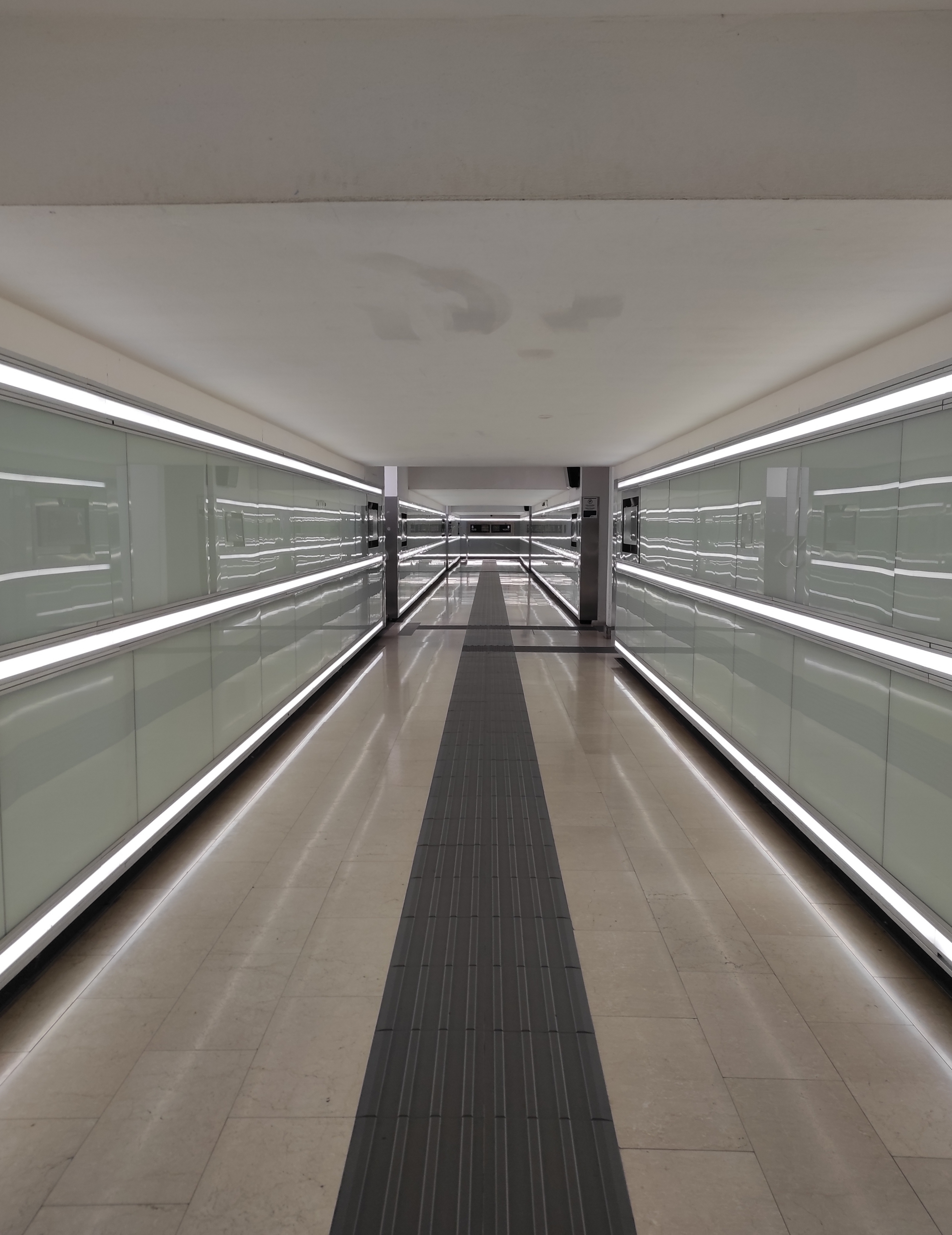
Real pic, it’s a train station in Italy

 5·2 years ago
I’ll soon have a salary and, as I mainly pirate music, I’d like to donate to SpotiFlyer and the artists I listen to the most. However, so far I haven’t donated anything.
I really like the colors!
 2·2 years ago
Oh, I understood, thank you very much
I’ve never done it, but I can try. Don’t set your expectations too high, tho 😅
Thank you, but now I see the image in low resolution. Is it only a problem of mine or do you see it like that too?
 1·2 years ago
I can use everything normally (except for LibreTube that today decided not to load any video, but I don’t think it is relevant here), so I guess it’s another problem. BUT, just in case, how did you solve?
But in that case I wouldn’t be able to use any app, would I?
I prefer to keep it as plan Z since there would be many password recoveries and backups (and hope that I can also backup settings) to do. If I haven’t solved it in a couple of days, I’ll try that.
Edit: I tried to uninstall an app that needed no backup, but the widget is still invisible. Also, some system apps’ widgets don’t work either and I can’t uninstall those.
 2·3 years ago
Cat is good animal. Serval is big cat. Serval is good big animal.
Serval is good username too.
I tried twice, once with the reboot option and once powering it off for some minutes to let it rethink its life choices. Needless to say that it didn’t work.
I have already tried without success to:
- Re-add the widgets (it has worked with two of the loading widgets, but not with the others)
- Clear the cache
- Re-Reboot
- Uninstall and reinstall the problematic apps
August 20 update: the problem seems to have solved itself by just waiting?
Since I last commented on this post I haven’t rebooted my phone or attempted to re-add my widgets. Today I tried again, just to see if something has changed, and they actually loaded after a few seconds. I suppose it’s fine like that.


Do banking apps work on it? If yes, is it with or without microg?

So far I only ever used Windows and Linux Mint, but I’m happy with the latter so I guess I’ll stay with it for a while.
I have a Kobo eReader (idk the specific model) and it has many advantages:
- Since its only purpose is reading, the battery lasts a lot more than the phone’s one. I usually charge it once a week. (A side effect of the single purpose thing is that there are no notifications, so there are less distractions too).
- You can read no matter the light conditions, both in the dark and in intense light.
- The screen is larger than a phone’s one, yet the eReader itself is small enough to fit most pockets.
- I have no problem reading on the phone, but some people feel that their eyesight tires more easily than on paper. Apparently eReaders fix this.
- It has an embedded offline dictionary and you can download more in other languages.
Some cons are:
- There is no dark mode, at least on my model.
- The screen, because of its being different from the phone’s, is only black and white.
- To upload books I didn’t buy through the Kobo store I need to connect the eReader to a computer. However, it has a lot of memory, so you can upload all the books you may want to read and you won’t need to touch it for months.
- It’s quite slow. Normally I don’t even notice it, but it’s very annoying if I want to read PDFs where I need to zoom in.
- I don’t know if it’s a problem of my device, but it’s also slightly buggy. Again, it’s not a thing I usually notice, just when I need to highlight something or take notes. It shouldn’t be a problem if you use those features only once in a while, otherwise I suggest to keep close to you the phone/notebook for your annotations or to use a more comfortable device.
I hope this helps :)

Krita. I don’t use it at a professional level so I don’t know if it’s missing important features, but as far as I know it’s also used by skilled artists. Also, the documentation is great.
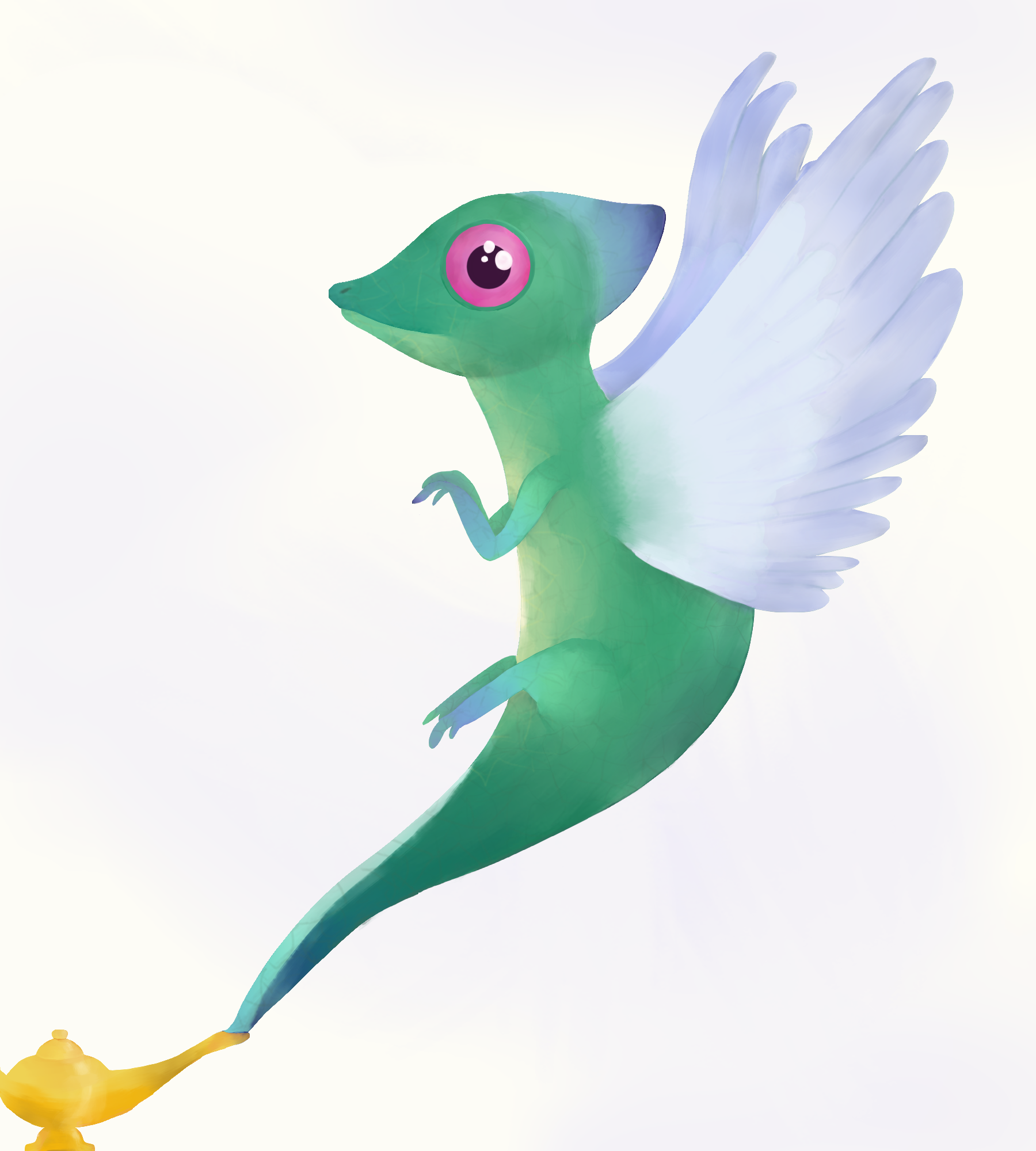

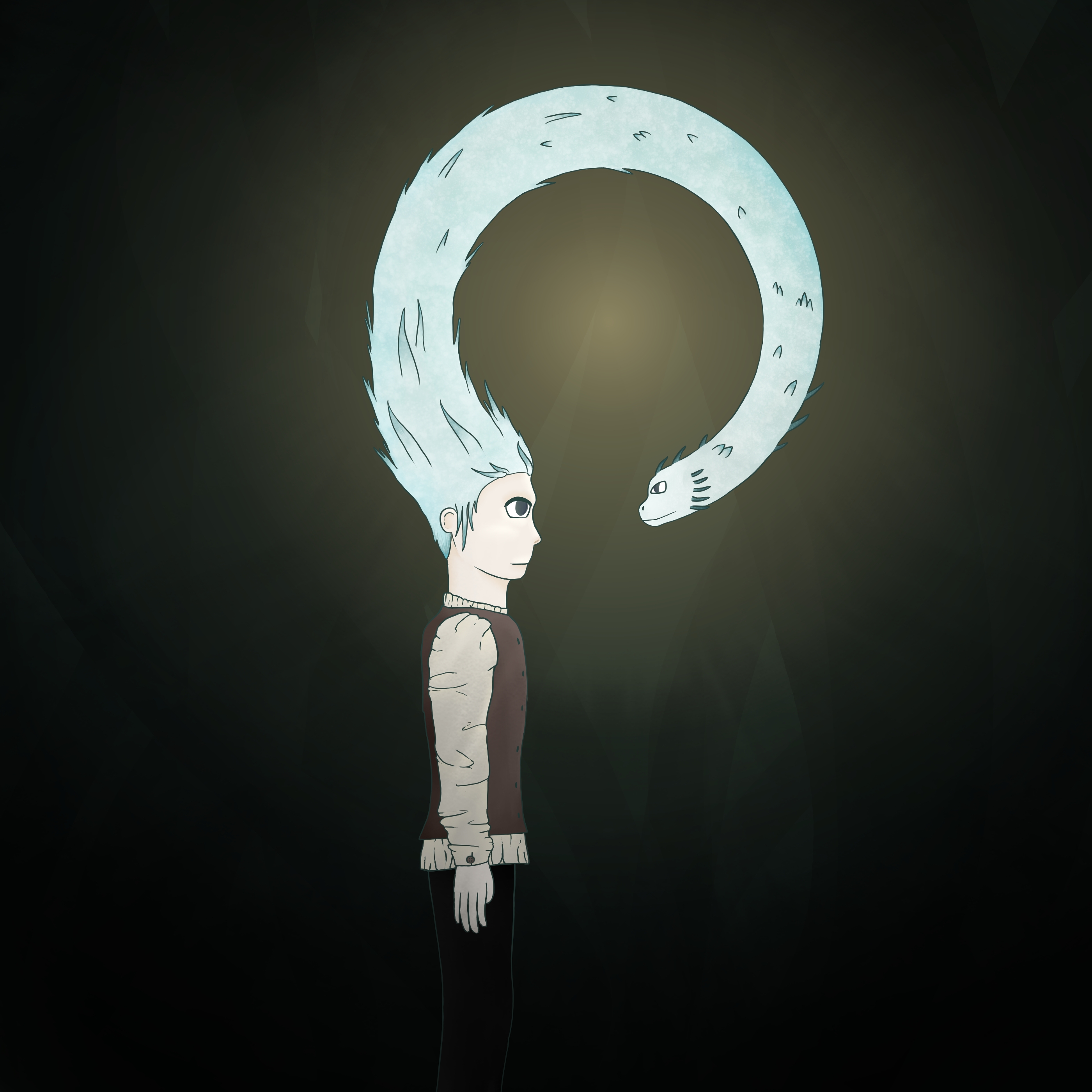
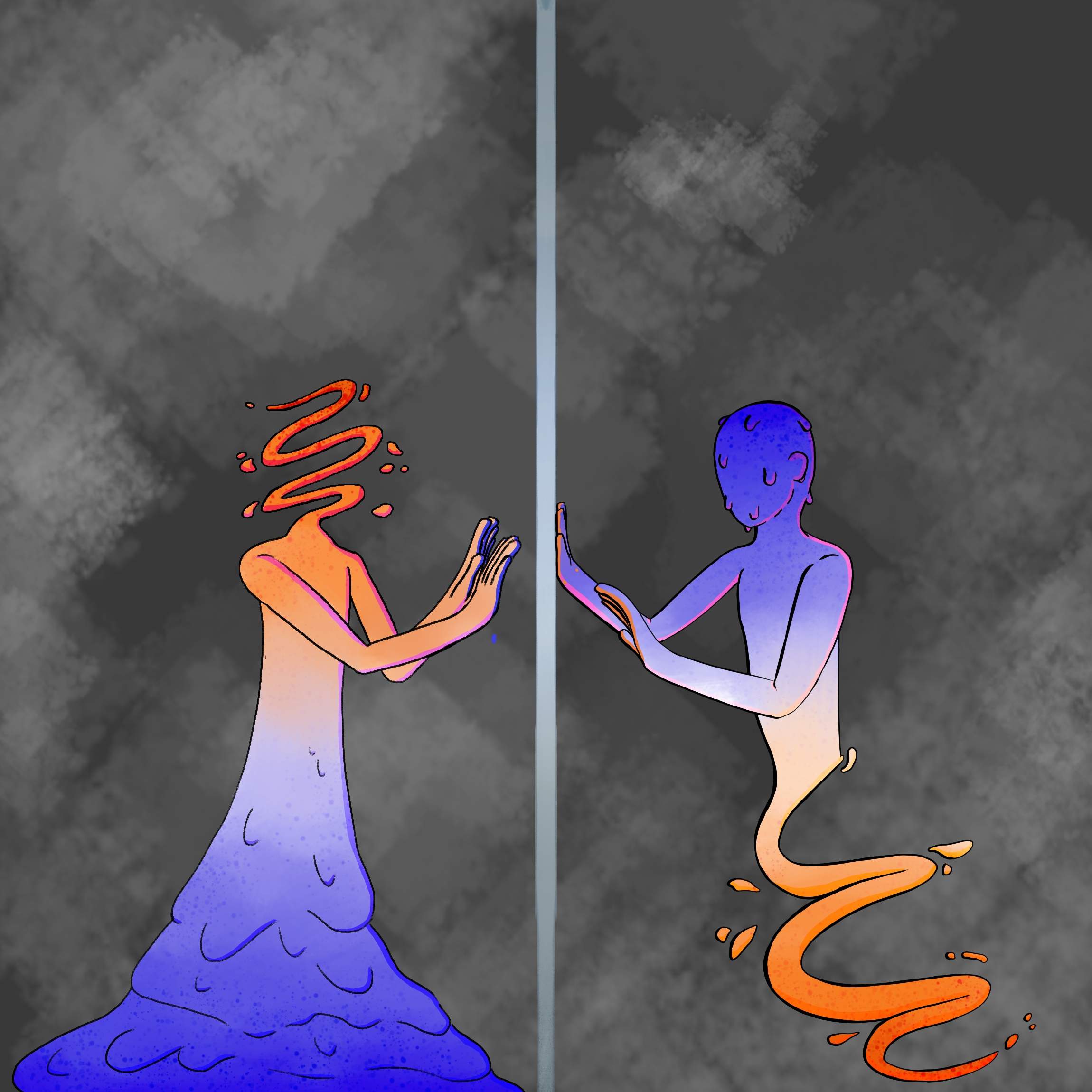

Thank you!
You are definitely right about the face, but so far I only managed to make it worse, so to modify it I’ll wait for my technique to improve.